Oct 27, 202614 min
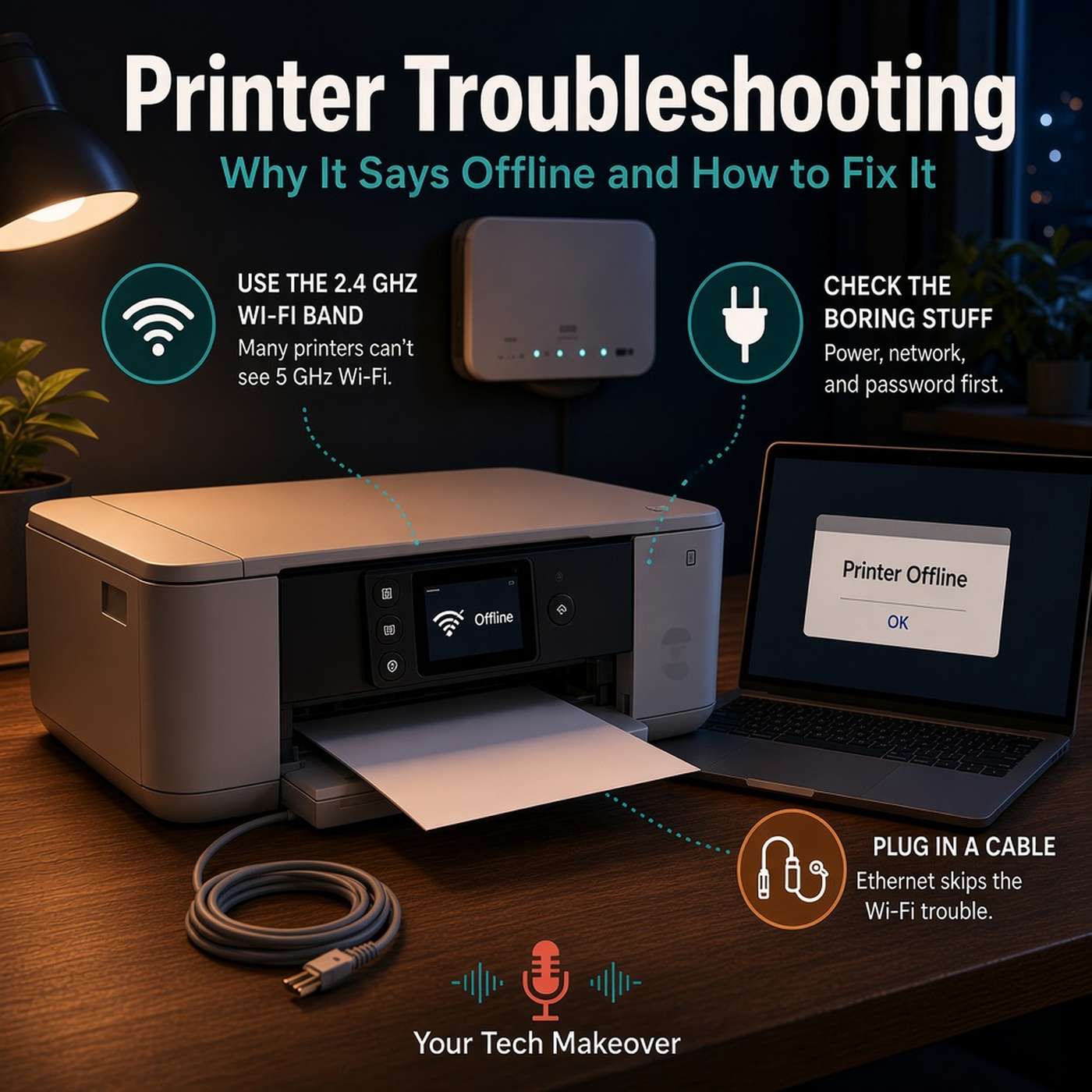
Printer troubleshooting usually starts the same way: you need one page, and the printer that worked fine last week says it is offline. Nothing changed, you did not touch it, and it has quietly decided to become a table...

technology
Hosted by Frank Bravo · technology · EN-US
Your Tech Makeover is a practical tech podcast for everyday people who want clearer answers about phones, passwords, Wi-Fi, smart home devices, online safety, and AI.If technology often feels harder than it should, you are not alone. Frank Bravo breaks down what matters in plain English so you can make better choices, avoid common mistakes, and feel more confident day to day.Each episode focuses on one topic you can use right away: backups, scams and phishing, subscriptions, cloud storage, video calls, travel tech, accessibility, and more. The goal is simple: help you get more out of the tech you already own.New episodes drop every two weeks. Visit YourTechMakeover.com for more information.
Required Pod Score for this podcast. PitchCentric checks your profile against host openness, topical fit, and audience signals before you generate a pitch.
Contact path
Verified email
Booking probability
32%
Guest openness
Selective
Sign up to generate a grounded pitch for Your Tech Makeover.
Signup to Generate a PitchYour Tech Makeover is a practical tech podcast for everyday people who want clearer answers about phones, passwords, Wi-Fi, smart home devices, online safety, and AI.If technology often feels harder than it should, you are not alone.
Your Tech Makeover is hosted by Frank Bravo. The show has published 63 episodes to date.
Recent episodes include "️ Printer Troubleshooting: Why It Says Offline and How to Fix It" (27 October 2026, 14 minutes), "How to Share Photos with Family (Without Texting 50 Pictures)" (29 September 2026, 10 minutes), and "☁️ Cloud Photo Backup: iCloud vs Google vs Amazon Compared" (15 September 2026, 14 minutes).
Your Tech Makeover publishes roughly every two weeks, with episodes averaging 12 minutes across 63 episodes.
Booking probability for Your Tech Makeover is 32%, and the host is rated Selective on guests. Your Tech Makeover requires a Pod Score of 80 or higher. Your Tech Makeover's contact route on record: verified email.
The strongest fits for Your Tech Makeover are IT Services & Software Development and Courses, Coaching & Lessons. Your Tech Makeover has a technology audience.
Frank Bravo hosts Your Tech Makeover, a technology podcast with 63 episodes published.
Our AI reads these to draft pitches. Use them as grounding for a pitch that cites a real guest and a specific topic.
Printer troubleshooting usually starts the same way: you need one page, and the printer that worked fine last week says it is offline. Nothing changed, you did not touch it, and it has quietly decided to become a table...
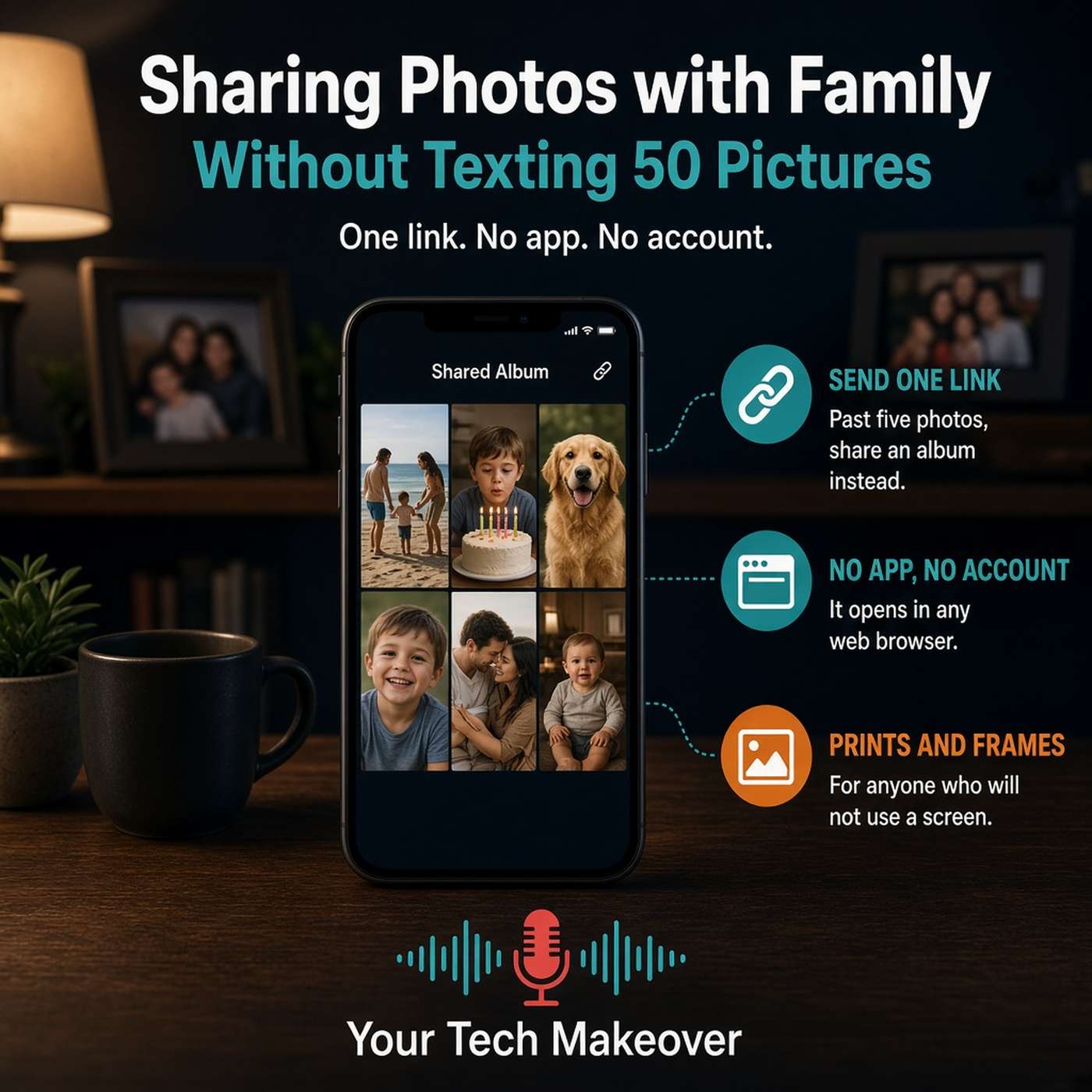
Sharing photos with family should be the easy part, but it usually turns into forty buzzes on somebody's phone during a meeting, a batch of blurry pictures, and a call from your mom asking how to save the one of the...
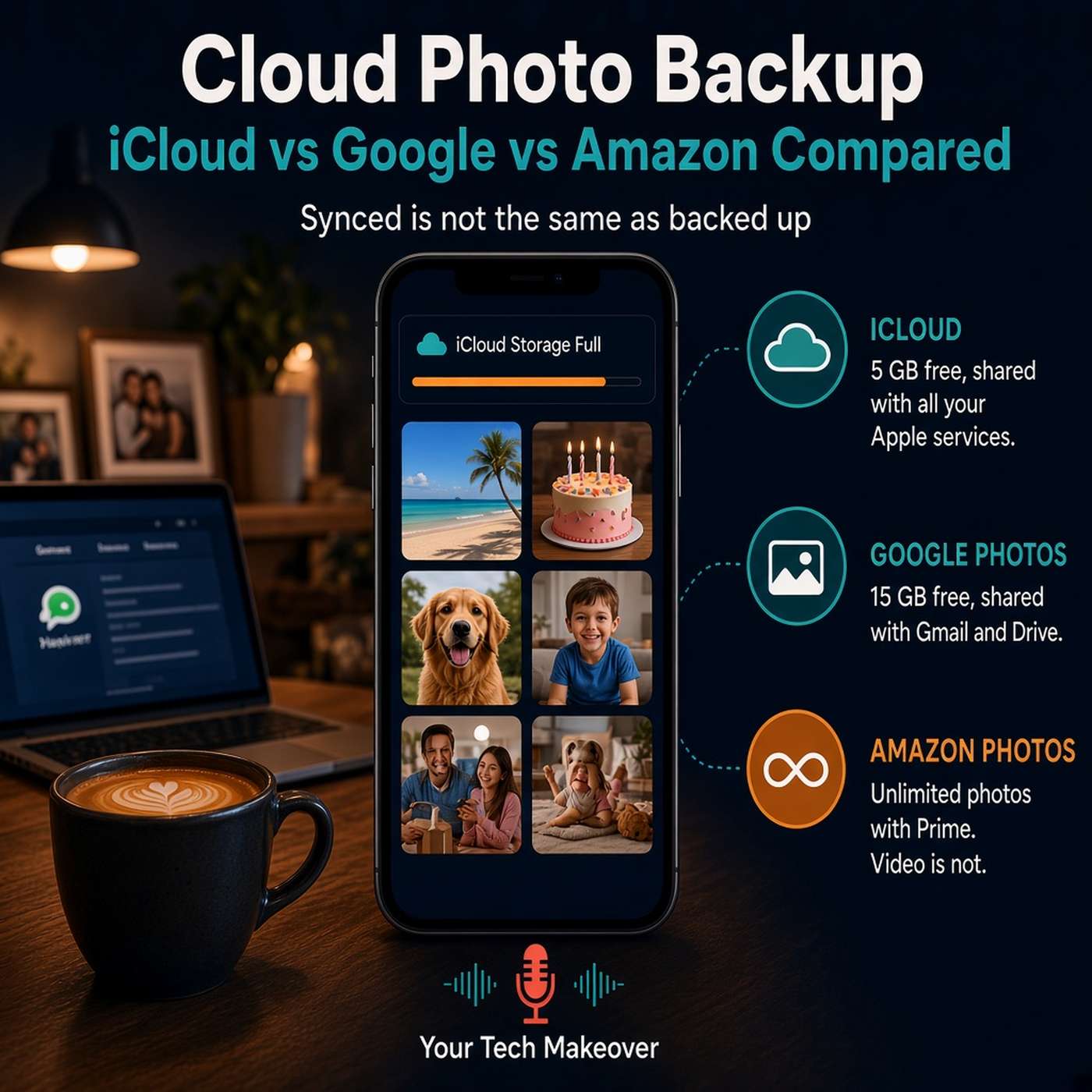
Cloud photo backup is the difference between "my photos are on my phone" and "my photos are safe," and most of us are not in the second group even though we think we are. This episode explains the three states a photo...
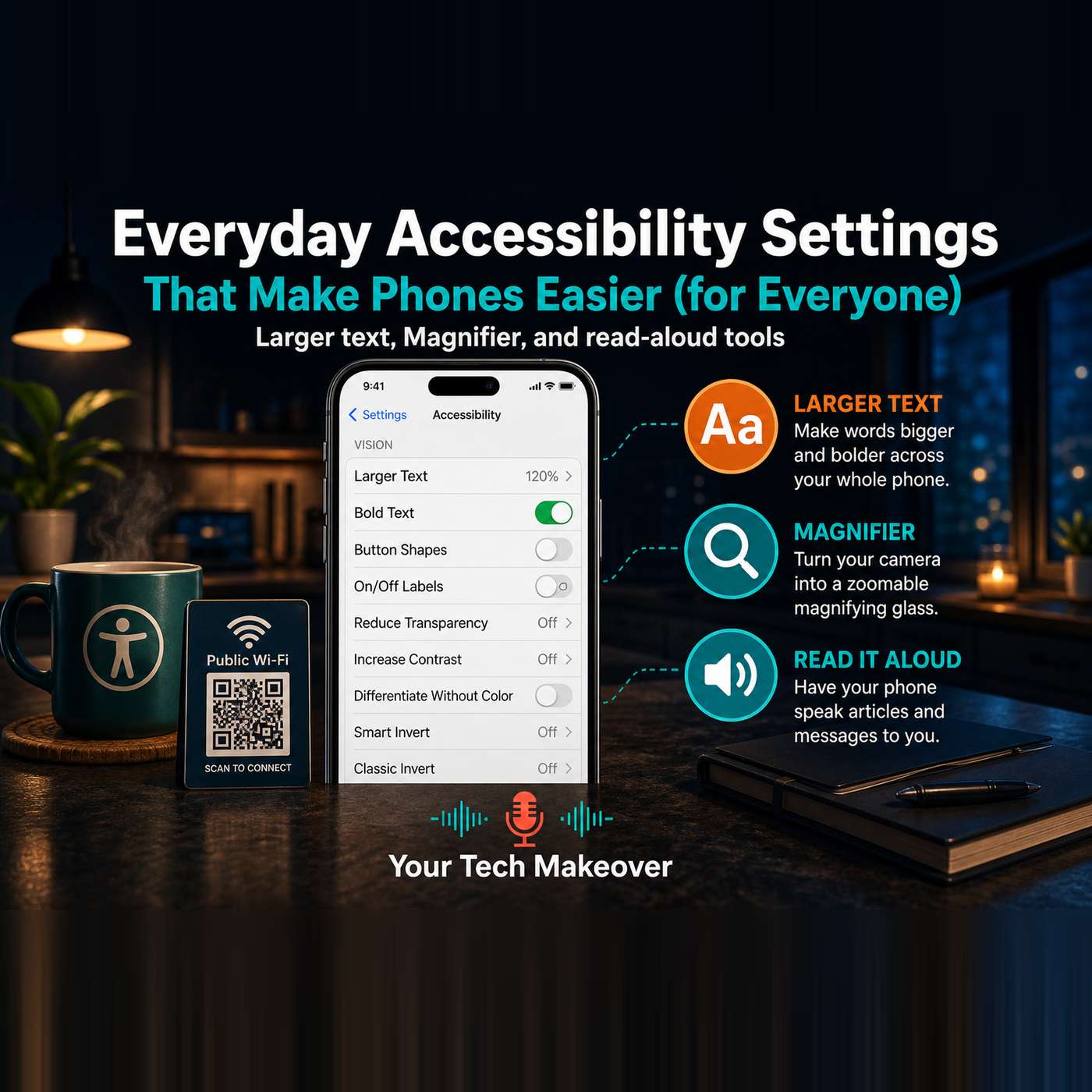
iPhone accessibility settings are some of the most useful features on your phone, and despite the name, they are not just for people with disabilities. Larger text, a built-in magnifying glass, having your phone read...
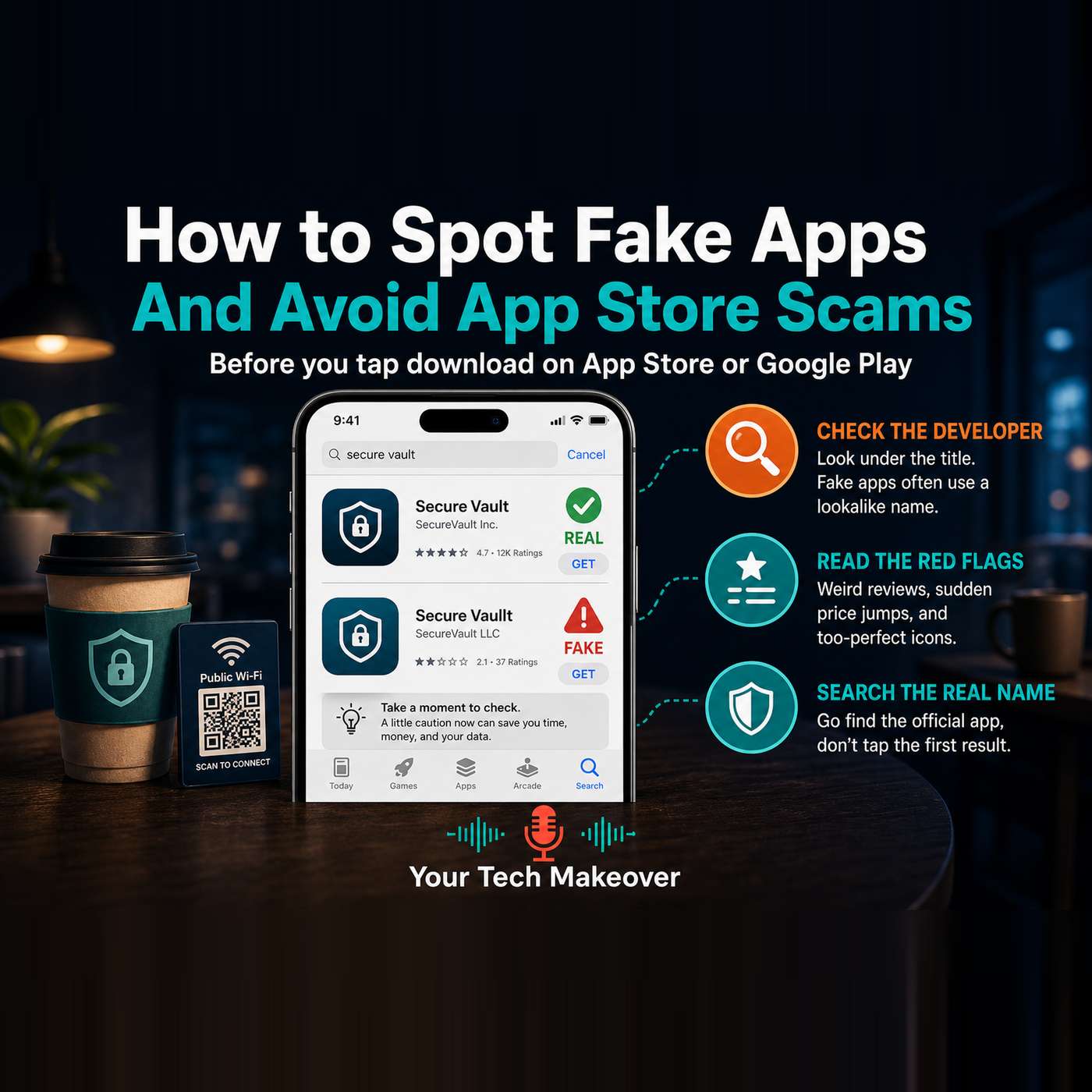
Fake apps hide in plain sight, right there in the official App Store and Google Play, sitting next to the real thing. You search for an app, tap the first result that looks right, and sign in, never realizing it was a...
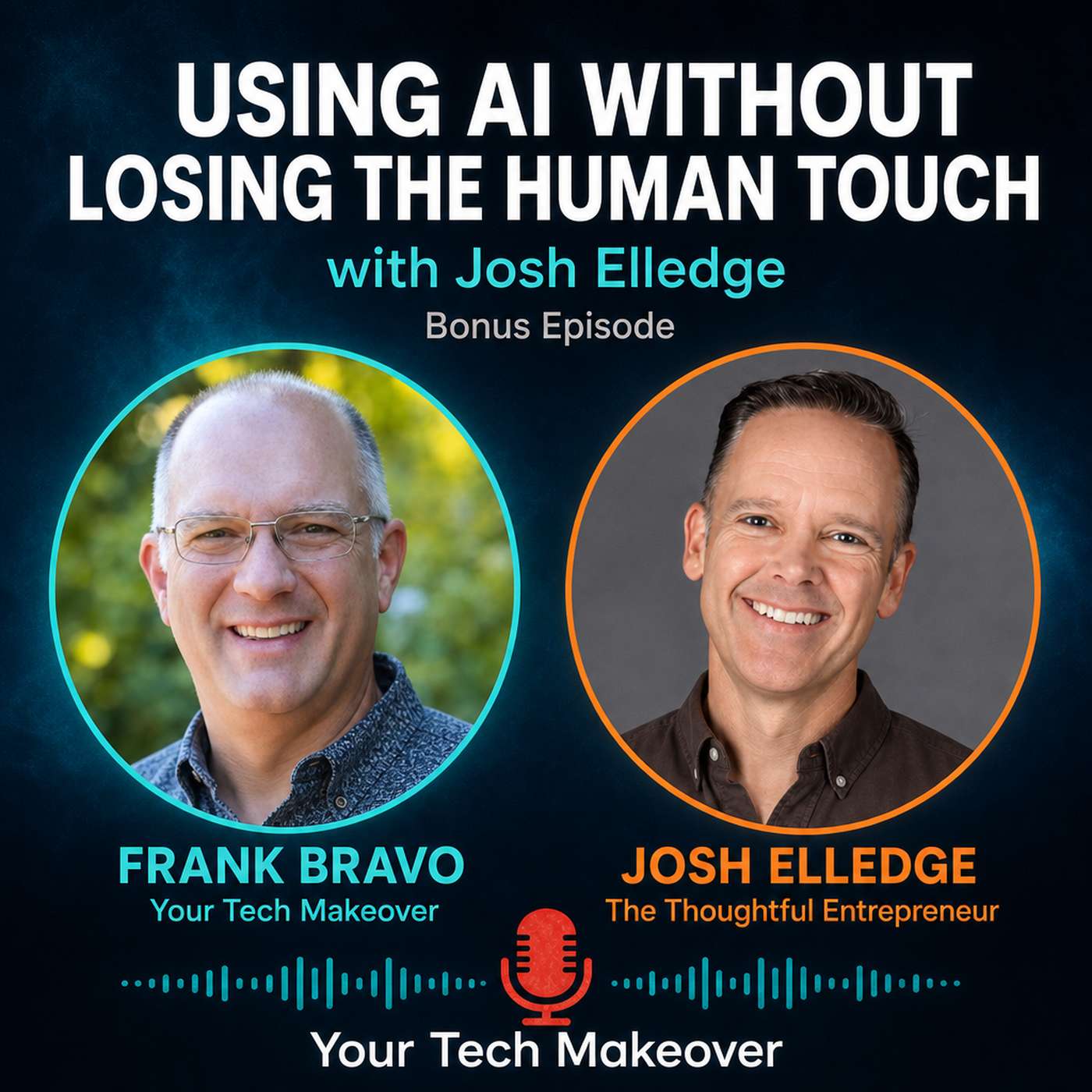
How to use AI without losing the human touch: a practical conversation with Josh Elledge of The Thoughtful Entrepreneur about treating AI as a tool, not a replacement for your own voice. This is a bonus episode. A few...
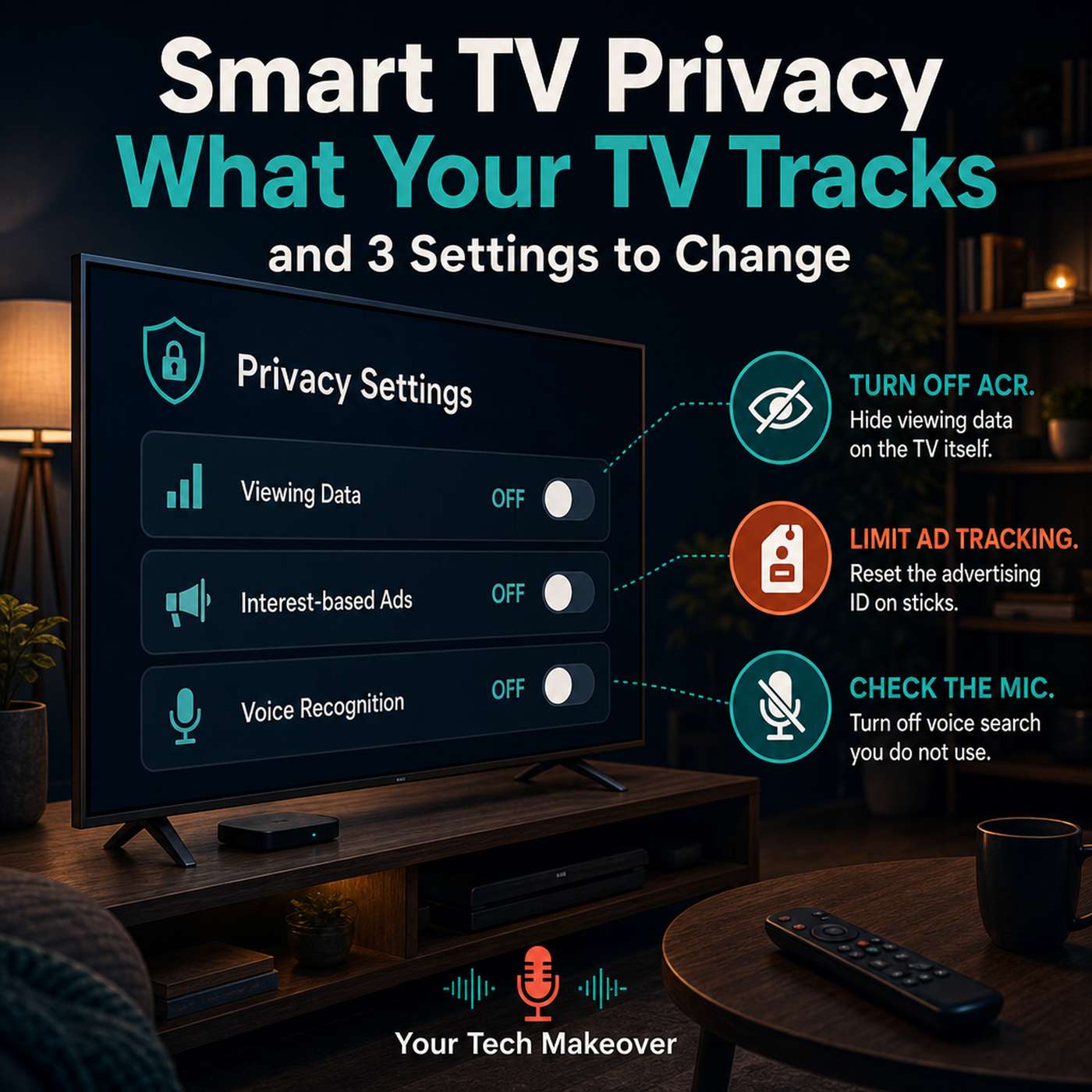
Smart TV privacy settings matter more than most people realize. Modern TVs and streaming sticks quietly log what is on the screen, often by default, and send that viewing data out for advertising and audience...
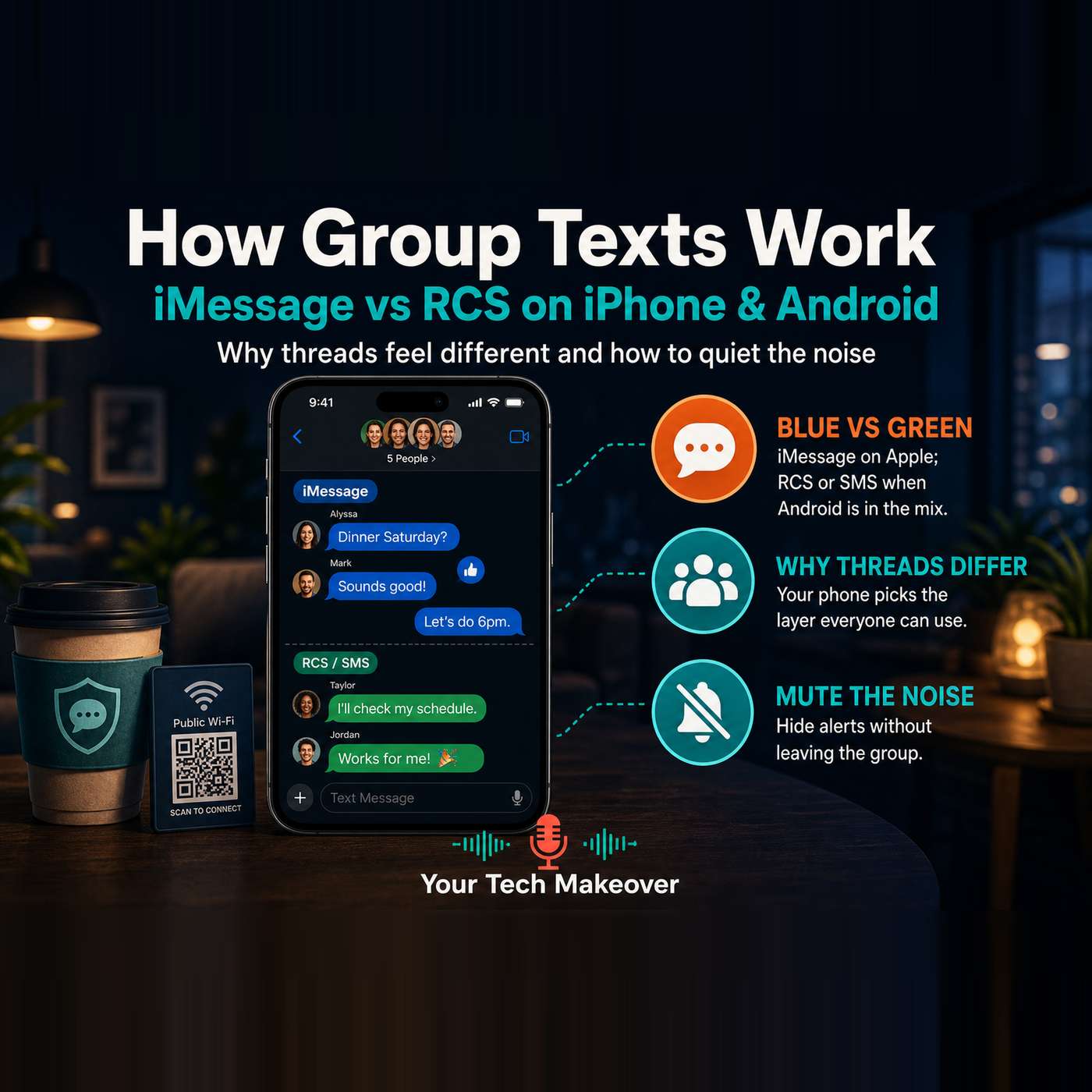
Group texts feel inconsistent for a reason, and once you understand how messages actually move between iPhone and Android phones, the whole thing stops feeling random. In this episode, Frank explains why one thread has...
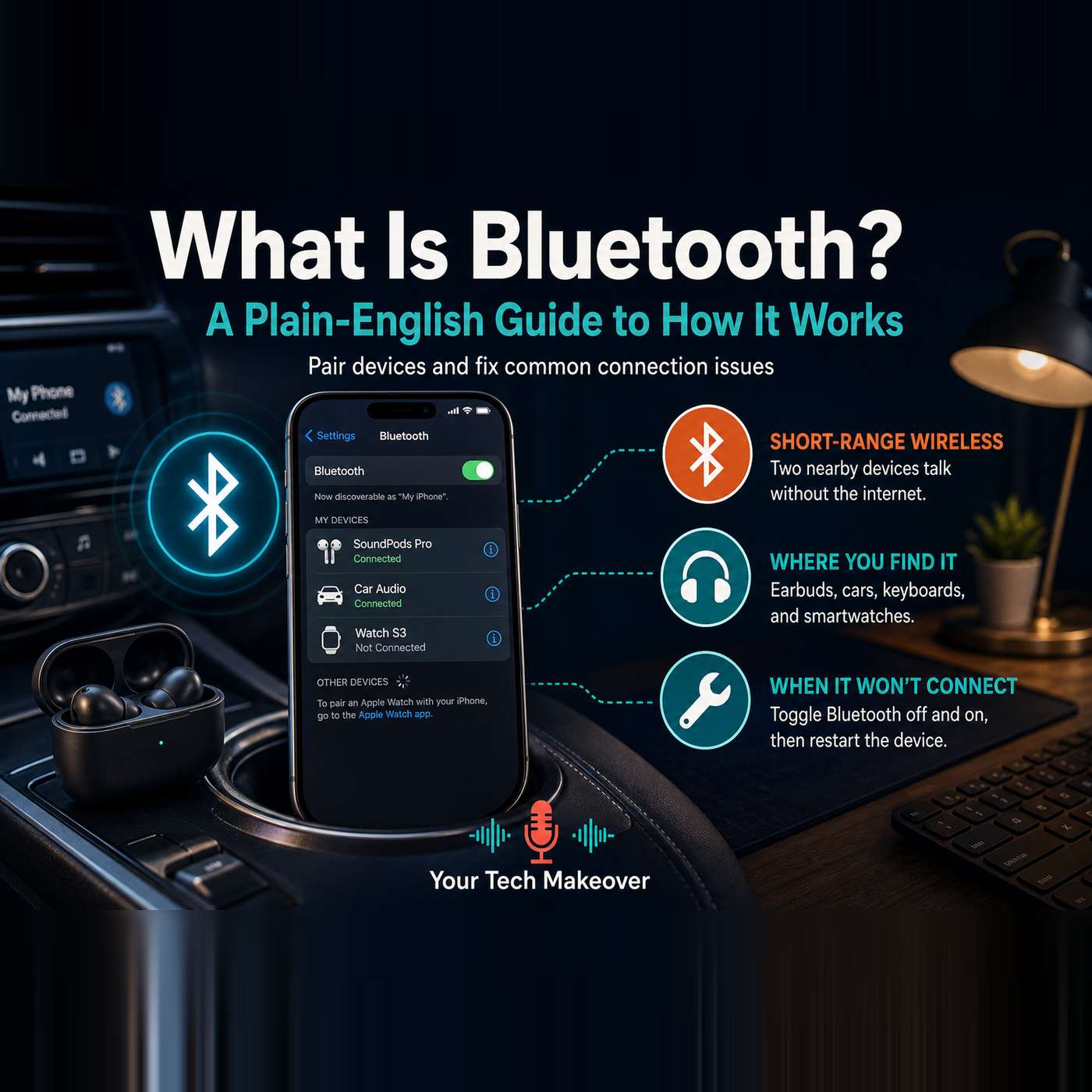
What is Bluetooth, really? It is the short-range wireless that quietly runs your headphones, your car audio, your smartwatch, and half the gadgets in your house, and most people use it every day without knowing what it...
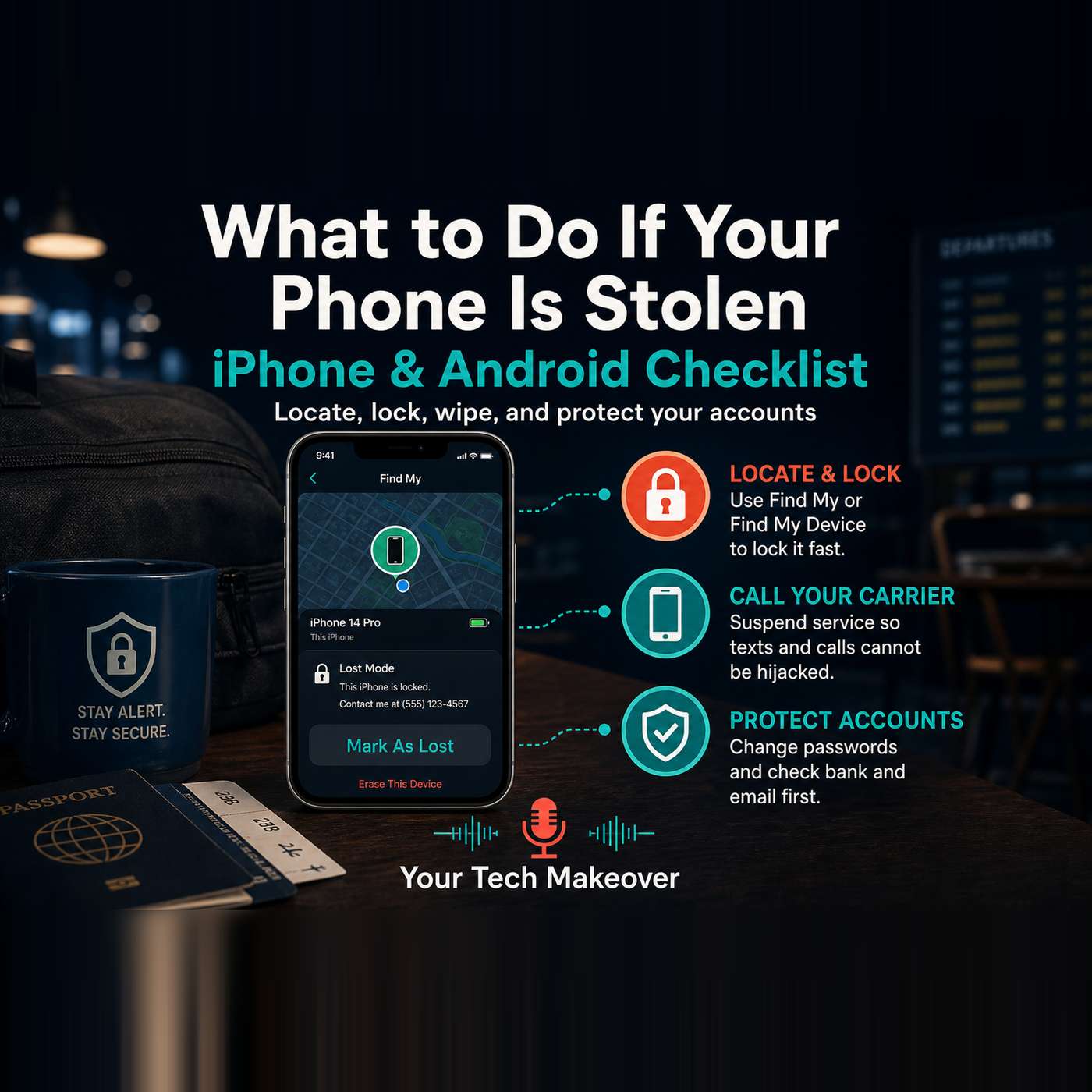
What to do if your phone is stolen is one of those topics everyone knows matters, but almost nobody has written down. This episode is a calm, practical checklist for iPhone and Android: what to set up before anything...
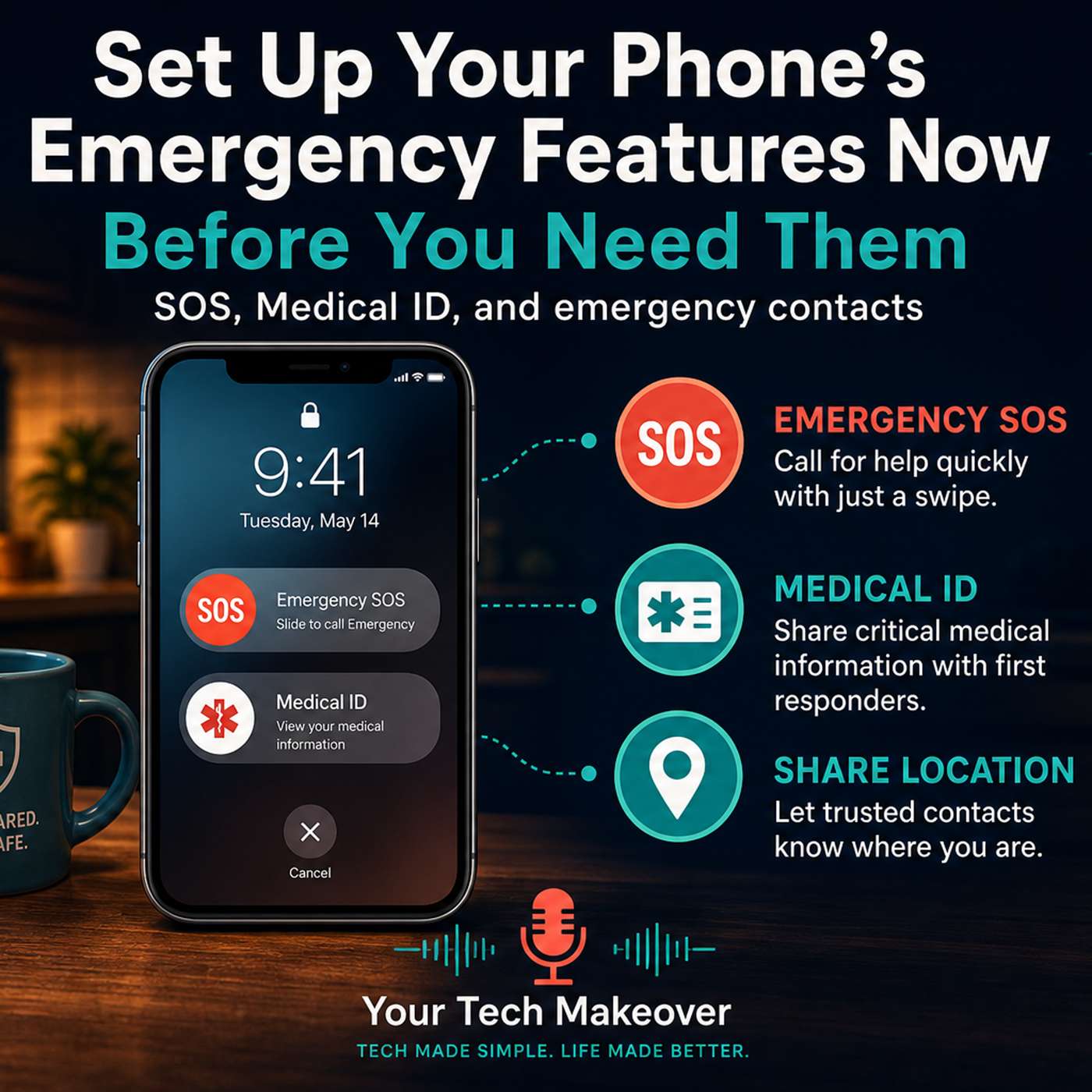
Your smartphone already has features that can call 911 without you saying a word, show paramedics your medical information from your locked screen, and automatically alert the people closest to you the moment something...
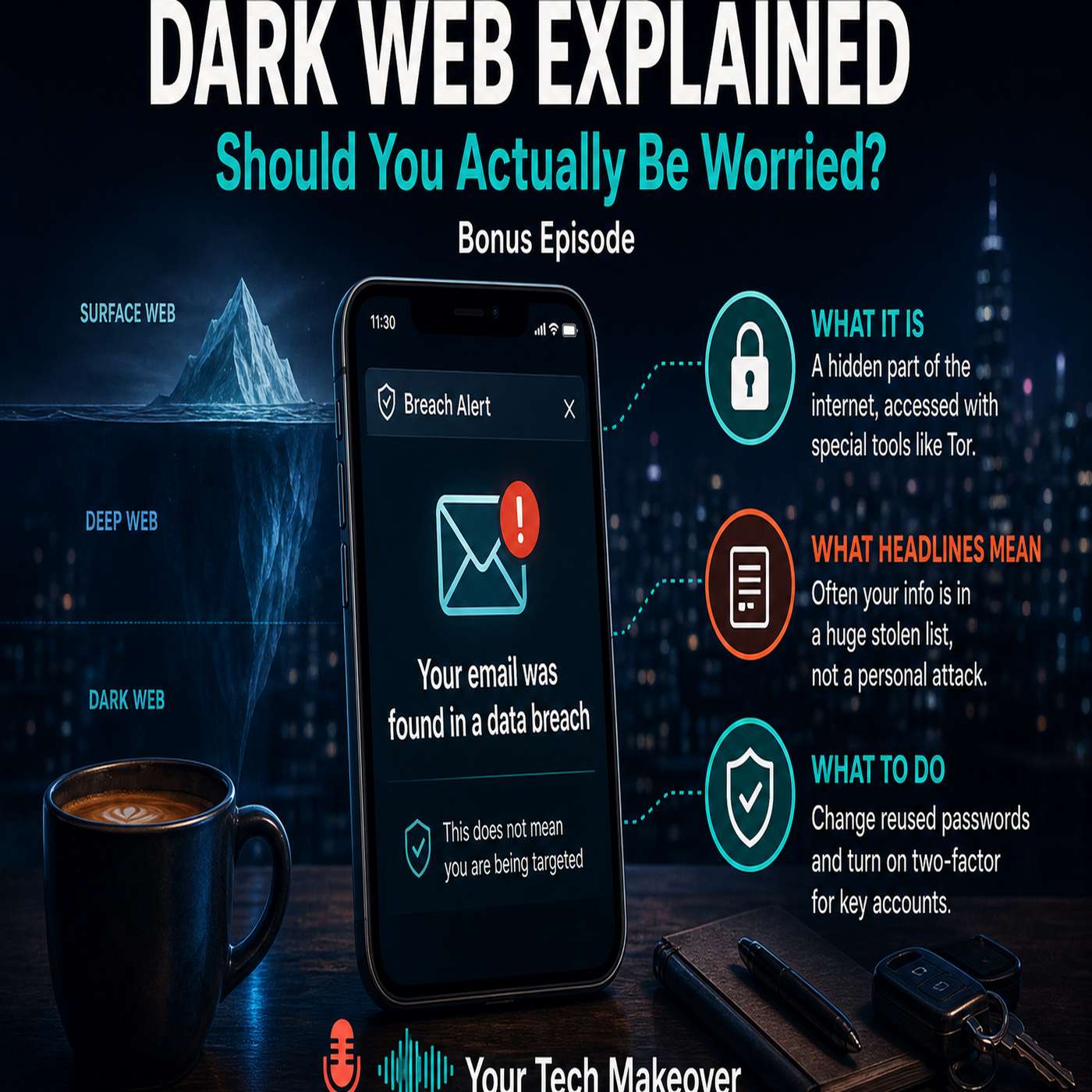
The dark web explained in plain English: what it actually is, why it keeps coming up after every data breach, and five practical steps you can take today to protect your most important accounts. You have probably gotten...
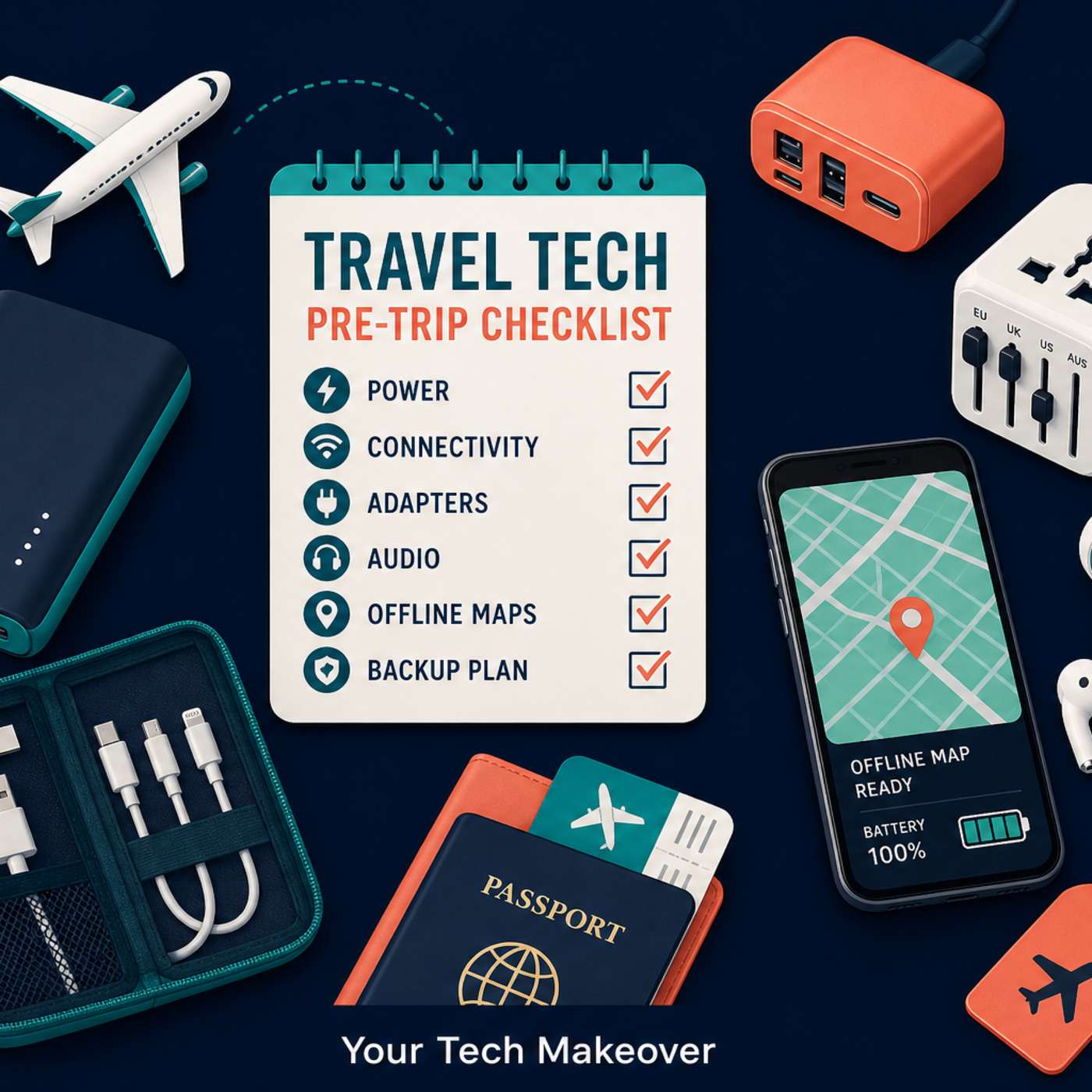
Travel tech tips for your next trip: what gear to pack, which apps to download before you leave, and the phone settings to change so your devices don't die, rack up unexpected charges, or let you down when you need them...
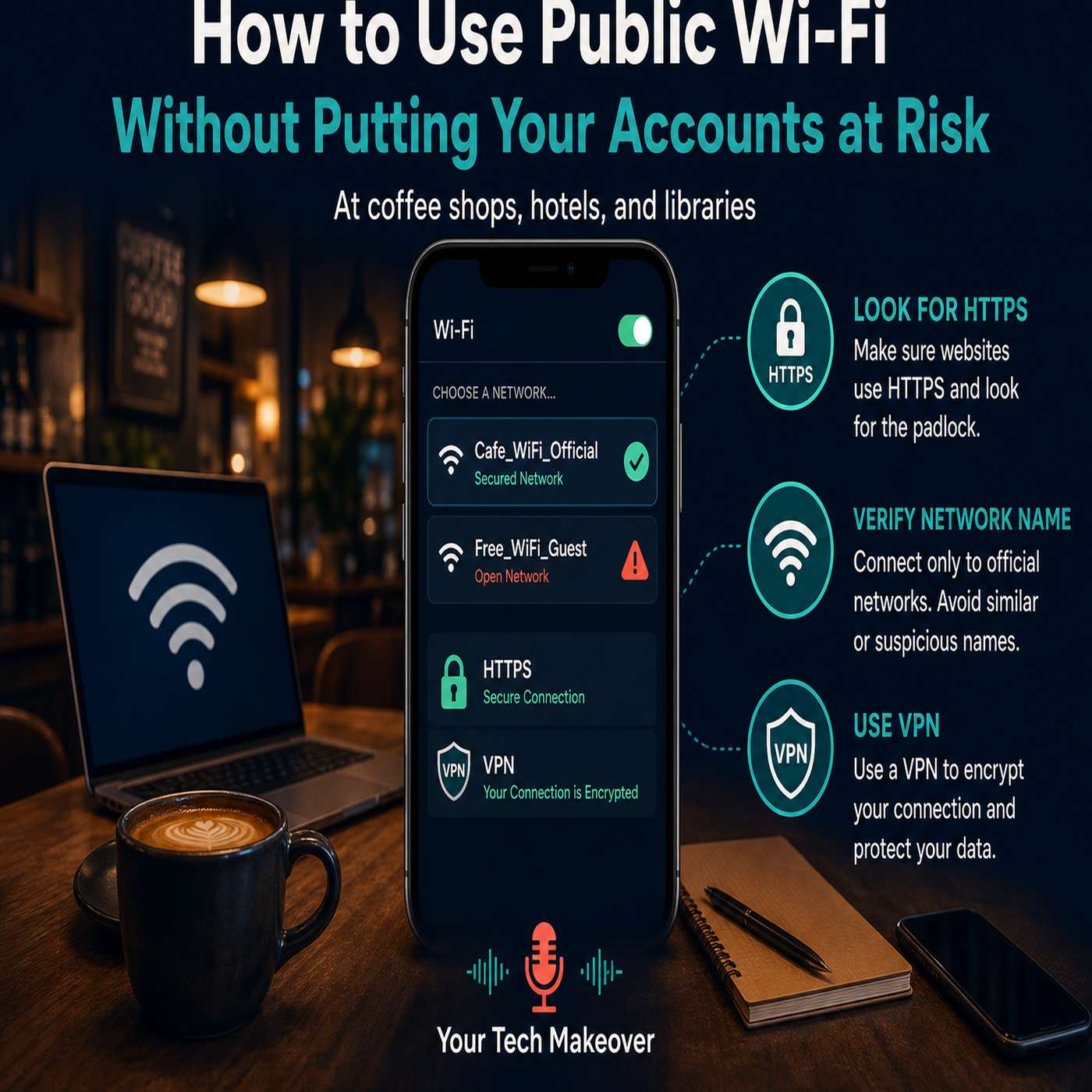
Public Wi-Fi safety is one of those topics where the advice is everywhere but the clarity rarely is. You have heard "never use public Wi-Fi." You have heard "always use a VPN." But nobody explained what is actually...
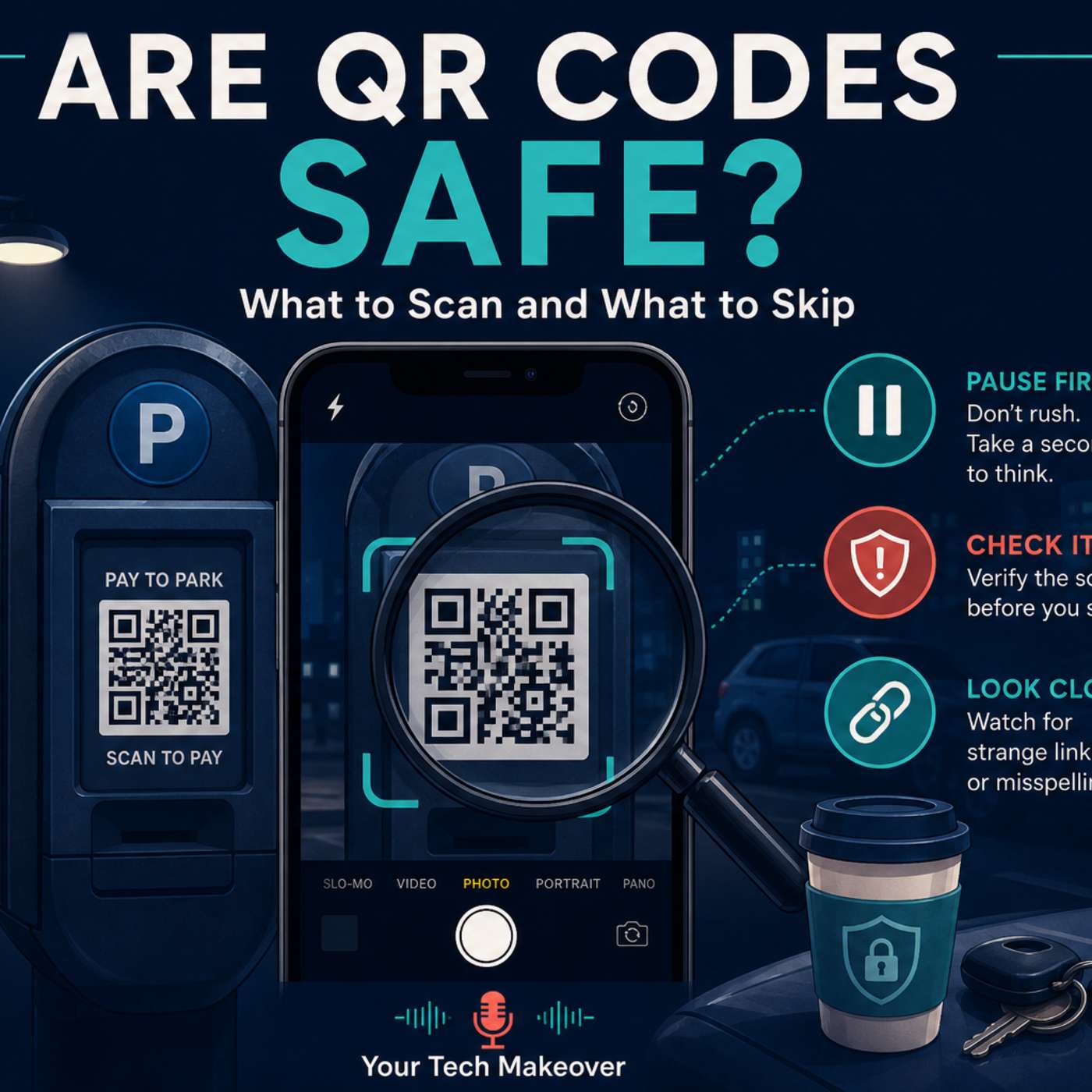
QR code scams are on the rise, and most people have no idea they are being targeted until it is too late. Those small black-and-white squares are genuinely useful, but they have a security blind spot that scammers are...
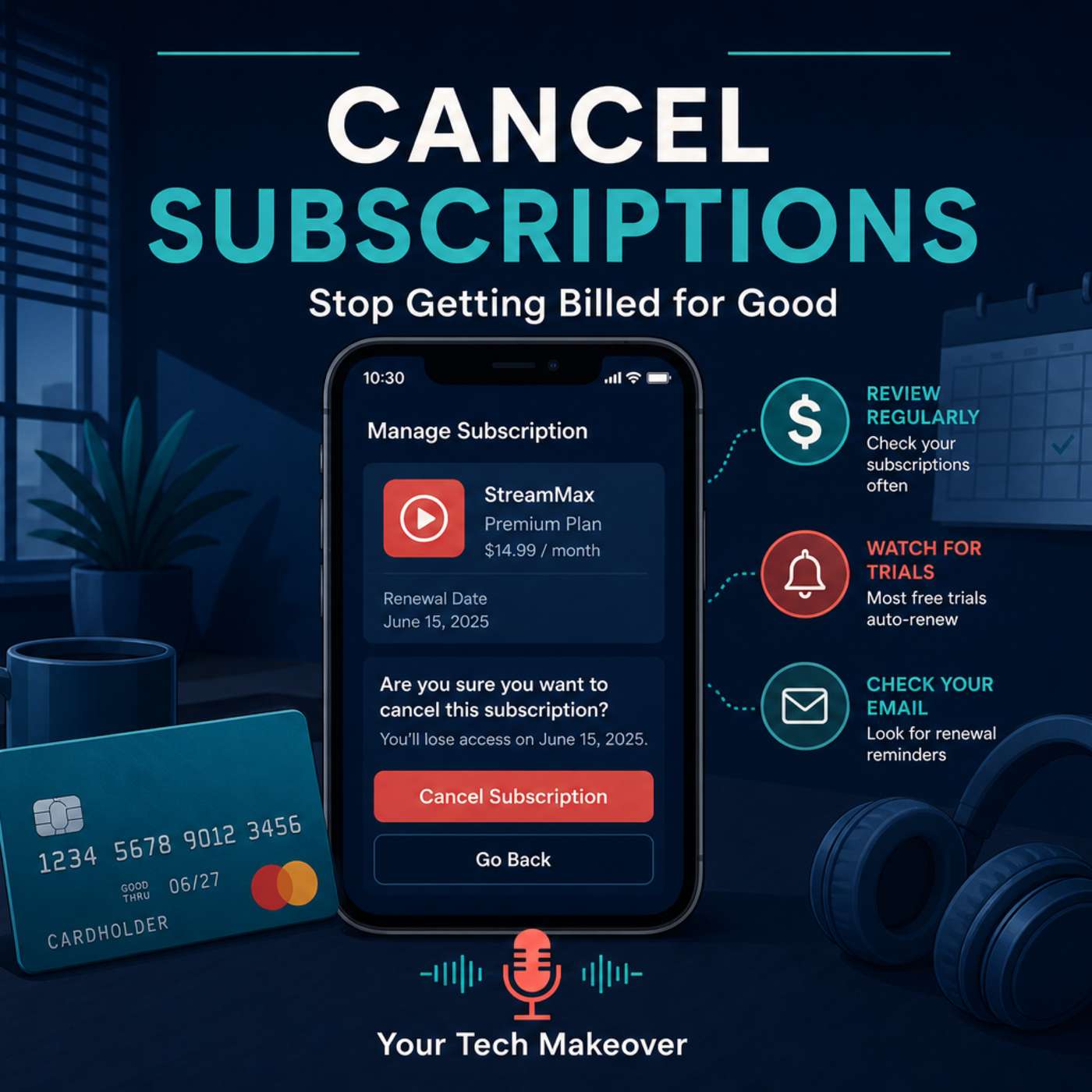
Knowing how to cancel subscriptions should be simple. It almost never is. Free trials quietly flip to paid plans, cancellation buttons hide in account settings, and charges show up on your statement under names you...
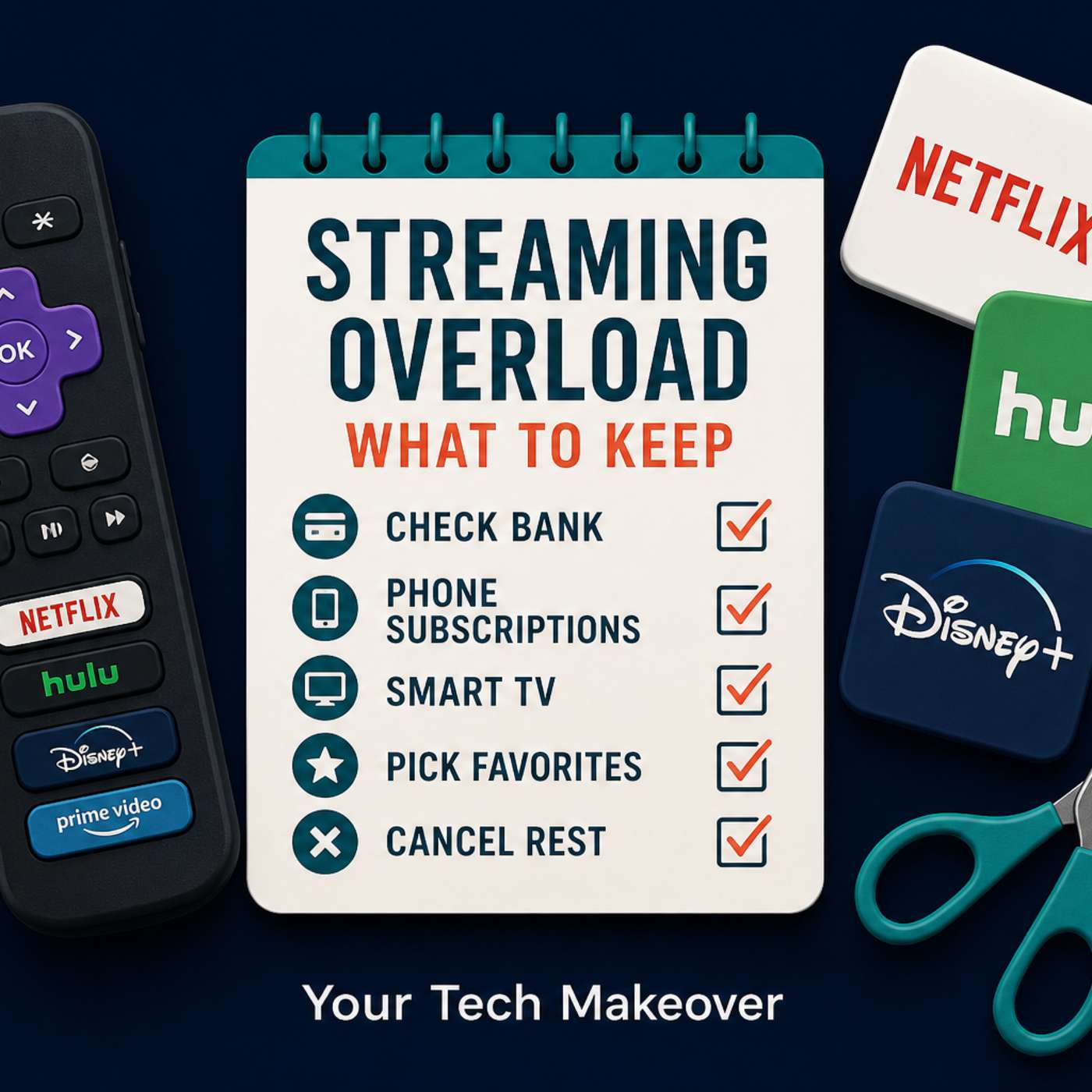
Streaming was supposed to simplify your life. So how did you end up paying for four, five, or six services — and still saying "there's nothing to watch"? In this episode, Frank walks you through a fast, practical...
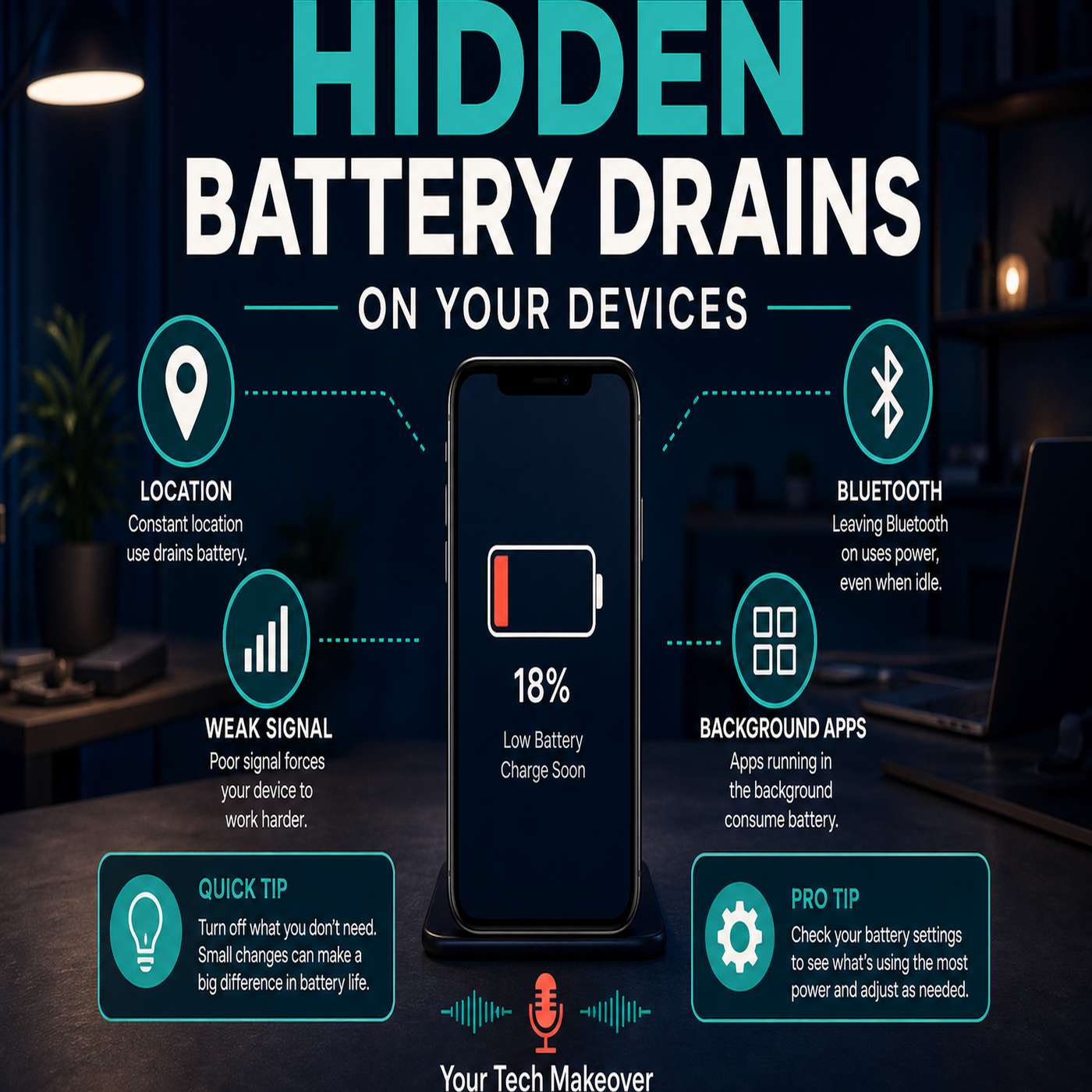
Few things are more frustrating than watching your phone battery drop faster than it should. You leave the house with plenty of charge, only to find yourself hunting for a charger before the day is even half over. In...
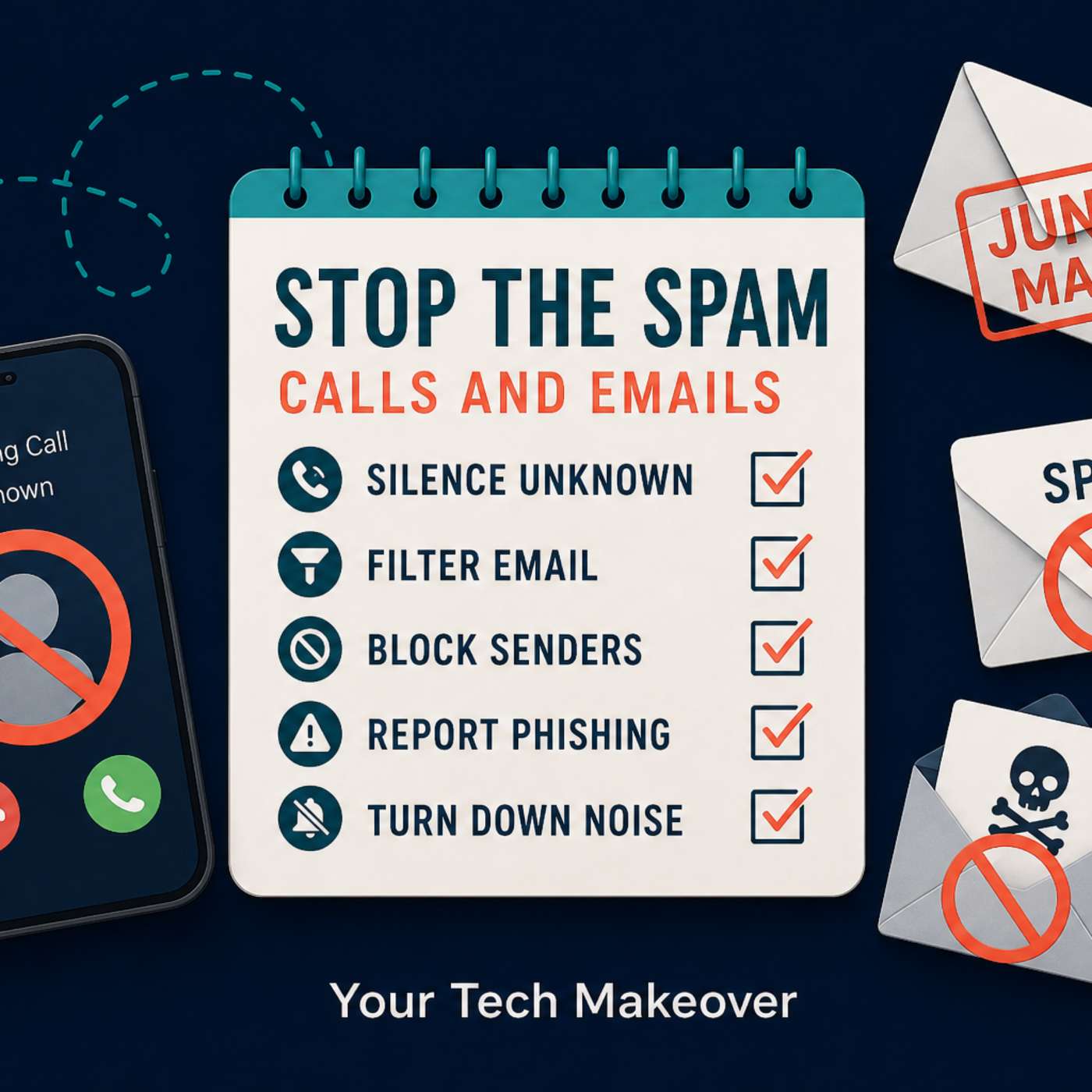
Spam isn’t just annoying anymore — it’s exhausting. Robocalls during dinner. “Urgent” emails that aren’t urgent. Text messages about packages you never ordered. In this episode of Your Tech Makeover , I walk you through...
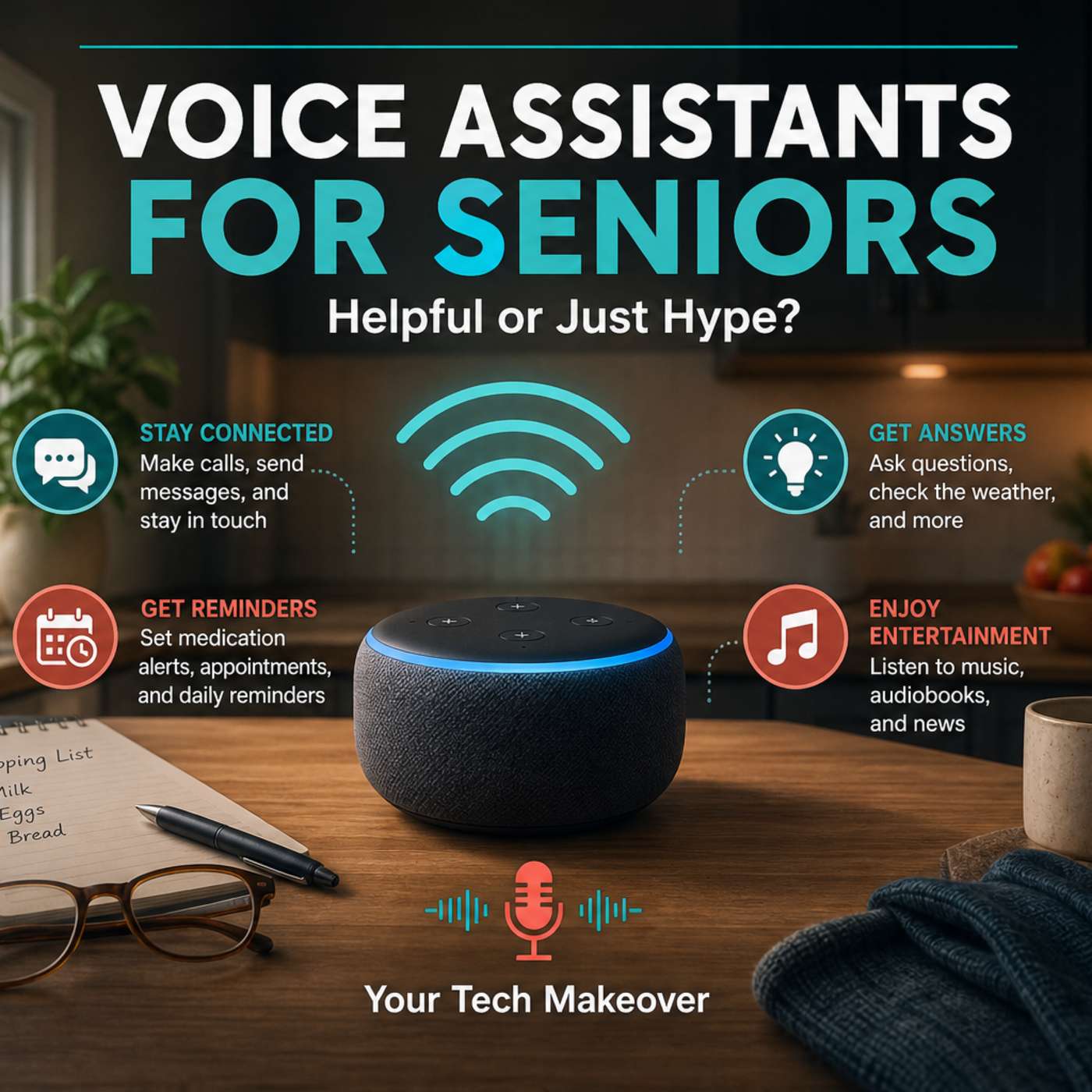
Episode #42
Are voice assistants like Alexa, Siri, and Google Assistant actually helpful for older adults… or are they just another overhyped gadget? In this episode of Your Tech Makeover , Frank cuts through the marketing and...
Recent guests on Your Tech Makeover. Study who booked and why before you pitch.
PitchCentric classifies Your Tech Makeover under these industries. Guests from them are the closest fit, and each links to the best podcasts in that industry.
Shows with the most semantically similar episode content. Pitch one, pitch all; producers cluster.
GeektoEnglish
Simplify Your Tech
Tech 4 Grown-Ups
Tech Simplified
Simplify Your Tech

Digital erklärt – IT, Sicherheit & Technik einfach verstehen
Is this podcast yours and you'd like to remove or correct details? Request removal or email privacy@pitchcentric.com.
Questions about the free trial? See the pricing FAQ