HOA 237: StandBy Mode
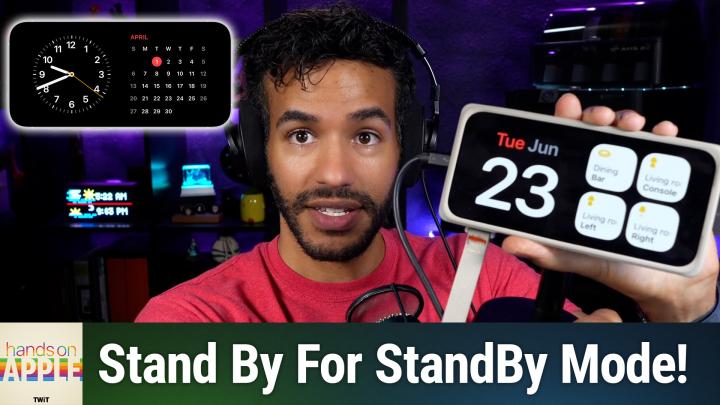
Your iPhone can quietly transform into a customizable bedside clock, calendar, and smart photo frame with just a simple orientation tweak. Discover how StandBy mode reveals features you probably didn't know your device h

Hosted by TWiT · 🇺🇸 US · EN-US · 10 episodes
Established thought leaders with verified media credentials.
Hands-On Apple explores and explains the Mac — and beyond! From clever Terminal commands to little-known iOS settings, Mikah Sargent shares all the best tips and tricks for your Mac, iPad, iPhone, and Apple Watch. You'll get all the details on Apple's apps and the best apps in the App Store, you'll learn about awesome accessories for your Apple devices, and you'll explore updates to Apple's operating systems — including iOS, macOS, iPadOS, and watchOS. Hands-On Apple is your one-stop shop for Apple know-how. You can join Club TWiT for $10 per month and get ad-free audio and video feeds for all our shows plus everything else the club offers...or get just this podcast ad-free for $5 per month.New episodes every Thursday.
TWiT hosts Hands-On Apple (Video), a technology show with 10 episodes published.
Your iPhone can quietly transform into a customizable bedside clock, calendar, and smart photo frame with just a simple orientation tweak. Discover how StandBy mode reveals features you probably didn't know your device h
Are you overlooking a classic built into every Mac? Mikah Sargent challenges you to give Stickies a week and find out if it deserves a permanent spot on your desktop. Fast, frictionless note taking without accounts or se
Your iPhone has a powerful translation toolkit built right in, ready to tackle menus, emails, and street signs (in over 20 languages) without any extra apps or subscriptions. Discover how to get the most out of features
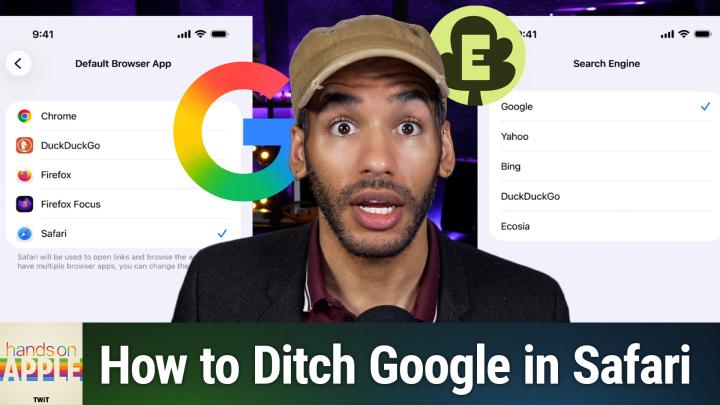
Tired of Google's AI overviews? This episode breaks down your actual options for search alternatives on iPhone, iPad, and Mac, including tips most Apple fans have never tried. See just how easy it is to reclaim your Safa
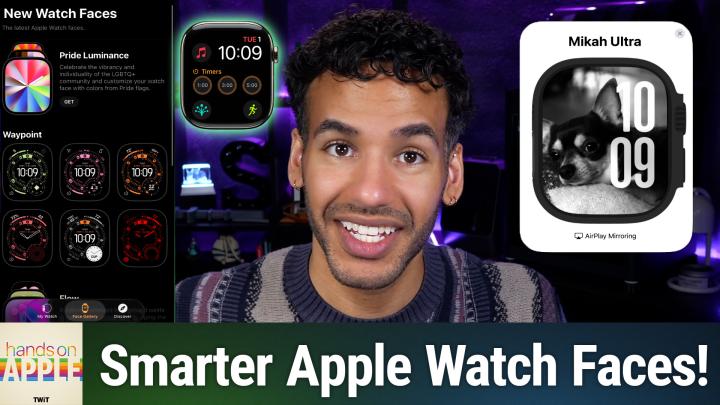
Most Apple Watch users never bother to customize the screen they check dozens of times a day. This episode shows how a quick face makeover can actually streamline your routines and keep you focused. Customizing Apple Wat
Learn why Activity Monitor is the macOS tool experienced users trust first to diagnose hidden memory drains, runaway CPU usage, and behind-the-scenes energy hogs. Mastering a single built-in tool can put real-time answer
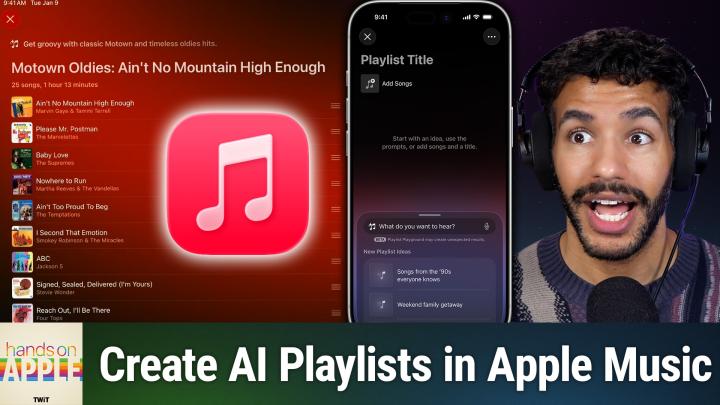
Apple Music's Playlist Playground does more than just pick songs; it curates playlists that actually flow together, tailored to your mood or activity. Mikah shows how to craft and customize dynamic playlists with minimal
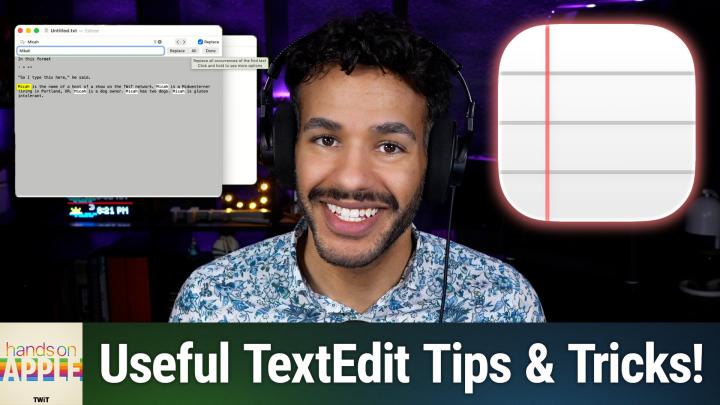
TextEdit has quietly been on your Mac for years, but most users overlook its power as the fastest way to capture, clean up, and organize daily notes. See why switching your workflow to this "basic" app might be the bigge
Sign in with Apple feels effortless, but is that convenience worth putting all your digital eggs in one basket? Get the practical advice you need to balance seamless logins with long-term account access. How Sign In With
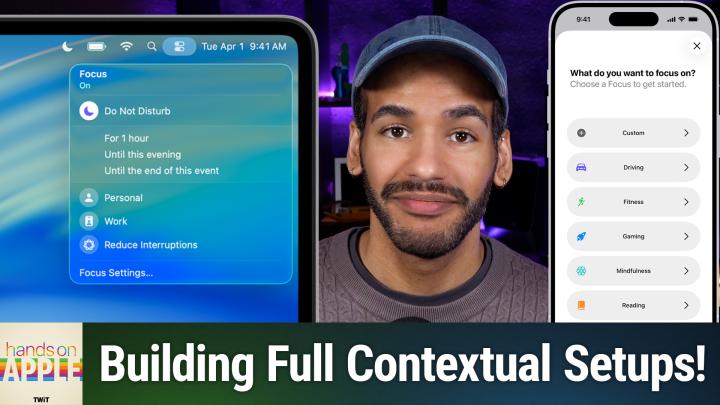
Focus modes on your Apple devices can be transformative, but they're also plagued by clunky settings and sync headaches. Mikah Sargent gets real about the practical benefits, dealbreakers, and smart workarounds. Why most
Find out how Apple's Focus filters quietly transform your entire digital environment, switching not just alerts but the apps, screens, and even info you see the moment you switch context. Mikah Sargent shows how to turn
Most users barely scratch the surface of Apple's Focus presets and triggers. Find out how customizing these settings can turn your device into a smart assistant that truly gets your day-to-day routine. These overlooked F
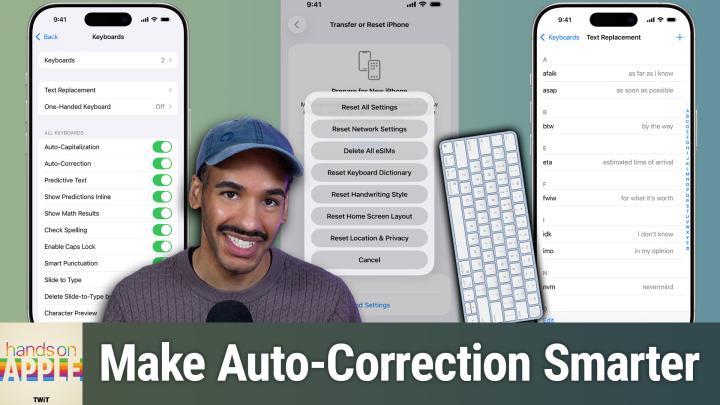
Tired of autocorrect sabotaging your texts? This episode shows how small changes like persistent rejection and custom text replacements can actually make Apple's keyboard work for you. Why auto-correct fails and how Appl
Is Apple's Passwords app a true contender for your digital life, or does it fall short for tech-savvy households? Find out how it stacks up against premium managers and where it still leaves power users wanting more. How
What if logging in didn't mean juggling passwords and SMS codes? This episode demonstrates how Apple's Passwords app could make passkeys your new security upgrade and what may help protect your digital life. Understandin
Apple's standalone Passwords app gives Keychain a proper home! Ready to clean up your secure digital life? This episode walks you through using Apple's Passwords app to spot weak logins, organize old accounts, and take c
Ready for an iPhone security audit? This episode is your personal walkthrough to reclaiming control, explaining not just what each privacy setting does but why changing them actually matters. Discover how hidden iOS sett
Tired of losing your place online when moving between Apple devices? Hands-On Apple shows you how syncing Safari tabs can keep your workflow as smooth as your tech. Juggle dozens of tabs across Mac, iPhone, and iPad with
Think saving webpages is just about hitting Print? Before you waste time on clunky printouts, learn how Safari's built-in options can actually preserve entire sites! Export as PDF versus Print dialog Saving web pages as
The Home app just got a major overhaul, thanks to Matter compatibility and fresh features that are quietly transforming how Apple users control their homes. Mikah Sargent breaks down what you need to do, and why this upd
Detected from recent episode content. Sponsor presence is a real signal of listener purchasing power and show monetisation.
No public pitch examples yet for this show.
Generate your own personalised pitchBased on semantic analysis of episode topics and host coverage, this show is a strong guest fit for executives in:
Industry fit is computed by PitchCentric using vector embeddings of the show's episode catalog.
Shows with the most semantically similar episode content. Pitch one, pitch all; producers cluster.


Hands-On Apple (Video) has a verified contact on file. Create a free PitchCentric account to access it and generate a personalised pitch in seconds. Research at least 3 recent episodes first and lead with a specific angle that serves their technology audience.
Hands-On Apple (Video) is hosted by TWiT. The show is categorised under technology and has published 10 episodes.
Hands-On Apple (Video) has published 10 episodes.
Hands-On Apple (Video) regularly covers technology. It sits in the technology category.
Hands-On Apple (Video) is accessible for guests with genuine technology expertise. A personalised, episode-aware pitch will still outperform a generic one every time.
Hands-On Apple (Video) hasn't explicitly signalled guest openness in recent episodes. That doesn't rule out pitching. your hook just needs to be especially compelling and relevant to their recent content.
Episodes of Hands-On Apple (Video) average 19 minutes. a focused format where a clear narrative arc and tight preparation matter most.
Our data rates Hands-On Apple (Video)'s guest bar at 80/100 (Premium tier). Established thought leaders with verified media credentials. Sign in to PitchCentric to see how your own Pod Score compares against this show.
Methodology. Booking Probability™ blends Listen Score, 30-day Virality, open-to-guests detection, and Apple ratings. Data refreshed every 60 minutes. Listen Score and Booking Probability are calculated by PitchCentric. Last enriched 9 days ago.