What is Mac Geek Gab — Apple Tips, Tricks, and Troubleshooting?
Get answers to your Apple tech questions every week! Dave Hamilton, Adam Christianson, and Pilot Pete share tips, tricks, and troubleshooting advice for your Mac, iPhone, iPad, and more — all delivered in a fun, friendly way that helps geeks and everyday users alike. Don’t Get Caught without your tech working right!
technologyeducationnews
About the host
Unknown Host hosts Mac Geek Gab — Apple Tips, Tricks, and Troubleshooting, a technology show with 1,000 episodes published.
Command+Comma jumps you straight into any well-coded Mac app’s settings, no menu-hunting required, and Option+Return reveals the formula in any Numbers cell (Command+Return puts the result back). If your cross-plat
You’ll start with a travel charger that swallows 200-plus countries into one brick, then find out that macOS Tahoe 26.6 is quietly rebuilding your Spotlight index to get ready for macOS 27…and hear the theory
Your quick tips run deep this week. Learn why snapping a throwaway photo is the fastest route to every picture you’ve ever taken at that spot, then rediscover Libby for free ebooks and audiobooks from your public l
Your Quick Tip arsenal gets a serious upgrade this week: use the Live Text button to make scanning QR codes easier, resurrect Apple Mail’s Predicted Mailbox when it mysteriously grays out, and run softwareupdate &#
Fresh off Macstock, you get the full debrief on this year’s gathering before diving into a stacked round of Quick Tips. You’ll learn how to disable Summarize Notification Previews to stop needless battery chu
Reclaim Your Storage: iCloud, RAM & Space-Saving Secrets
Jul 13, 20261h 19mEp. 1150
This week on Mac Geek Gab 1150, Pilot Pete, Adam Christianson, and Dave Hamilton pack an Embrace Your Geekness Day episode with Quick Tips you’ll put to work immediately. You’ll learn how to schedule birthday
You learn at least five new things every episode, and this one stacks them fast. Roll your Apple Watch crown instead of tapping it to keep Sleep mode from searing your eyes, then hit Command-Shift-F in the Finder to jump
Mac Geek Gab 1148 hands you a fresh stack of Quick Tips you’ll actually use. You’ll find out how Mark recovered every one of his accidentally deleted iMessages with Control-Command-4 (or the Recently Deleted
Ever triggered a hidden Mac feature by accident? This week you’ll find out why a stray backtick fires up the Magnifier in macOS Preview, and how a single screenshot plus built-in OCR can lift text straight out of a
WWDC 2026 Reactions, Tailscale Tricks, and Charging Hacks That Work
Jun 15, 20261h 23mEp. 1146
This week on Mac Geek Gab, you’re stacking up power moves from the jump. You’ll learn how to clean up messy lists in your favorite text editor, discover that any USB-C port on your MacBook can charge it, and
Your iPhone might be running hot and draining fast — and it’s not just you. Dave and Pilot Pete break down the battery chaos introduced by iOS 26.5, which brought overheating, accelerated drain, and even blocked wi
Geek Pride Day kicks off an episode packed with the kind of tips you’ll actually use. You’ll learn why Shift+Tab is your fastest escape from a runaway numbered list, how holding the lower-left CarPlay button summons Siri
Geek Pride Day kicks off an episode packed with the kind of tips you’ll actually use. You’ll learn why Shift+Tab is your fastest escape from a runaway numbered list, how holding the lower-left CarPlay button
Must-Know AirPods, Screen Sharing & Smart Home Wins for Apple Users
May 18, 20261h 26mEp. 11420
You’ll sharpen your daily tech game this week: add names directly to Mail recipient fields, kill those sneaky iOS nickname pop-ups before they embarrass you, and stay alert to Low Power Mode. Long-press your steering whe
Must-Know AirPods, Screen Sharing & Smart Home Wins for Apple Users
May 18, 20261h 26mEp. 1142
You’ll sharpen your daily tech game this week: add names directly to Mail recipient fields, kill those sneaky iOS nickname pop-ups before they embarrass you, and stay alert to Low Power Mode. Long-press your steeri
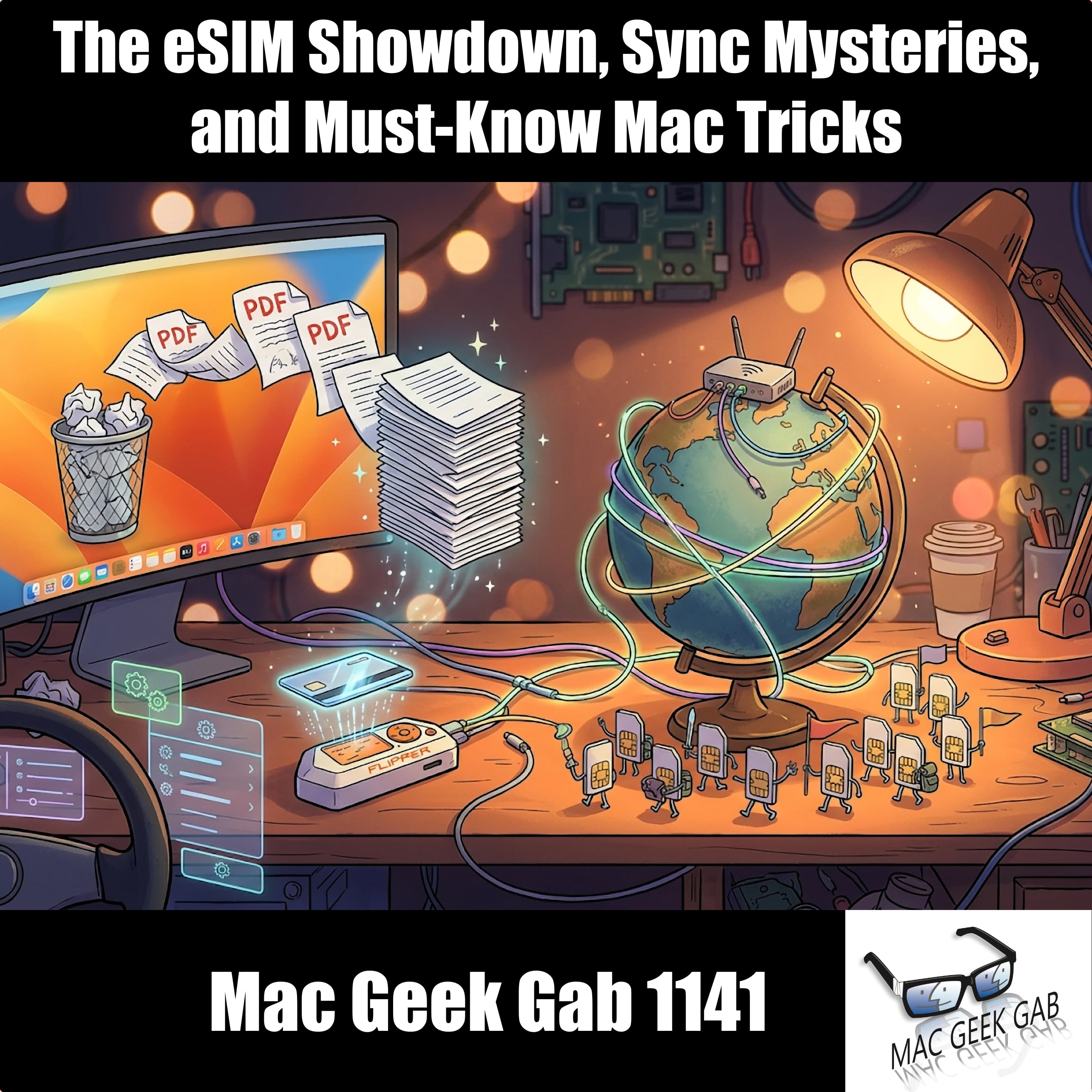
The eSIM Showdown, Sync Mysteries, and Must-Know Mac Tricks
May 11, 20261h 10mEp. 11410
Buckle up, geeks! This week’s Quick Tips have you refreshing the App Store like a pro, turning Finder’s Quick Actions into a PDF-combining powerhouse, swiping that iOS cut/copy/paste bar like a power user, and finally ta
The eSIM Showdown, Sync Mysteries, and Must-Know Mac Tricks
May 11, 20261h 10mEp. 1141
Buckle up, geeks! This week’s Quick Tips have you refreshing the App Store like a pro, turning Finder’s Quick Actions into a PDF-combining powerhouse, swiping that iOS cut/copy/paste bar like a power user, an
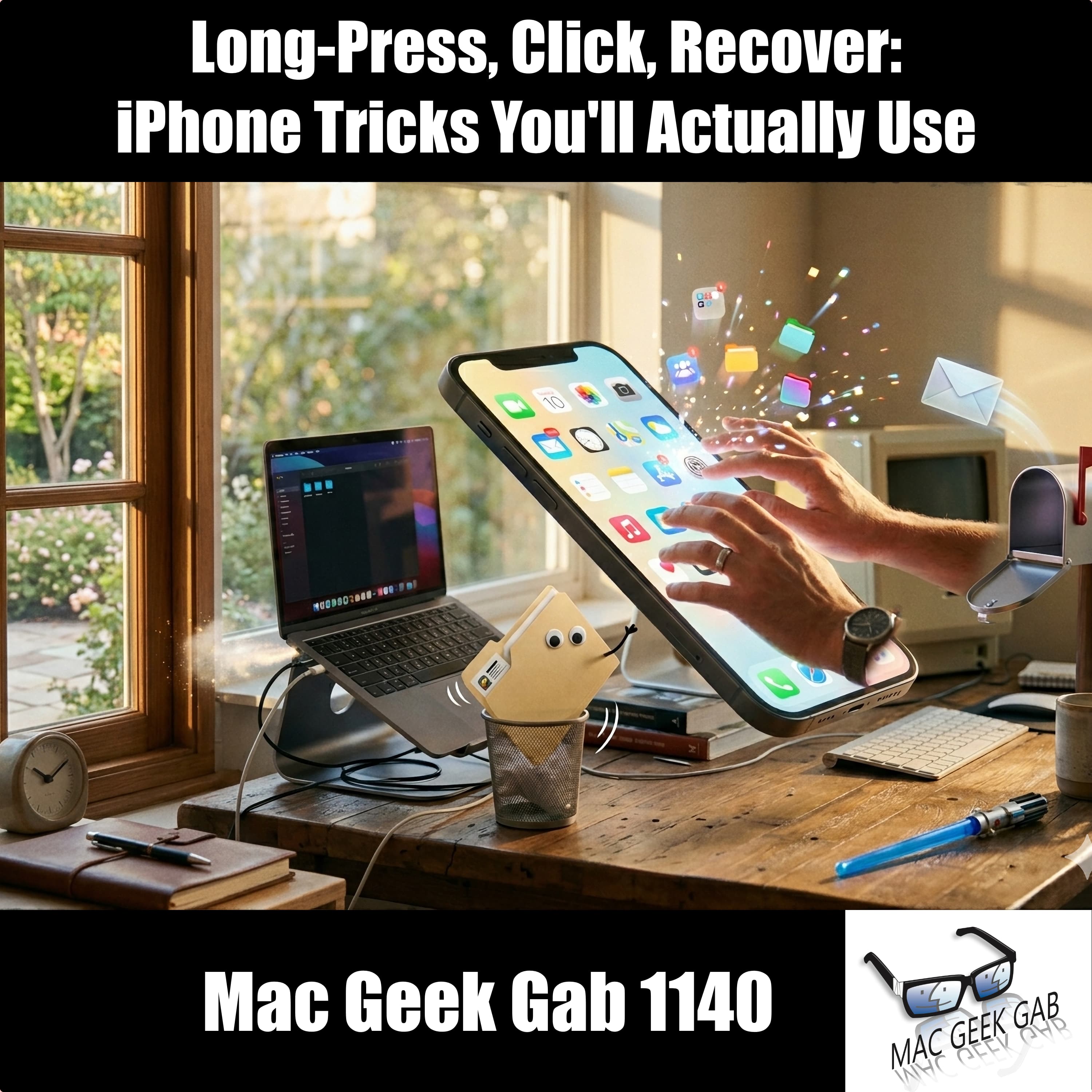
Long-Press, Click, Recover: iPhone Tricks You'll Actually Use
May 4, 20261h 24mEp. 11400
Pilot Pete and Dave open Episode 1140 with a rapid-fire round of quick tips you’ll wish you’d known sooner: long-press the App Store icon to jump straight to Updates, long-press a folder to break down its notifications,
Long-Press, Click, Recover: iPhone Tricks You'll Actually Use
May 4, 20261h 24mEp. 1140
Pilot Pete and Dave open Episode 1140 with a rapid-fire round of quick tips you’ll wish you’d known sooner: long-press the App Store icon to jump straight to Updates, long-press a folder to break down its not
How do I pitch Mac Geek Gab — Apple Tips, Tricks, and Troubleshooting as a podcast guest?
Mac Geek Gab — Apple Tips, Tricks, and Troubleshooting has a verified contact on file. Create a free PitchCentric account to access it and generate a personalised pitch in seconds. Research at least 3 recent episodes first and lead with a specific angle that serves their technology audience.
Who is the host of Mac Geek Gab — Apple Tips, Tricks, and Troubleshooting?
Mac Geek Gab — Apple Tips, Tricks, and Troubleshooting is hosted by Unknown Host. The show is categorised under technology (education) and has published 1,000 episodes.
How many episodes does Mac Geek Gab — Apple Tips, Tricks, and Troubleshooting have?
Mac Geek Gab — Apple Tips, Tricks, and Troubleshooting has published 1,000 episodes.
What topics does Mac Geek Gab — Apple Tips, Tricks, and Troubleshooting cover?
Mac Geek Gab — Apple Tips, Tricks, and Troubleshooting regularly covers technology, education, news. It sits in the technology category, with a education focus.
Is it hard to get booked on Mac Geek Gab — Apple Tips, Tricks, and Troubleshooting?
Mac Geek Gab — Apple Tips, Tricks, and Troubleshooting is accessible for guests with genuine technology expertise. A personalised, episode-aware pitch will still outperform a generic one every time.
Is Mac Geek Gab — Apple Tips, Tricks, and Troubleshooting currently accepting guest pitches?
Mac Geek Gab — Apple Tips, Tricks, and Troubleshooting hasn't explicitly signalled guest openness in recent episodes. That doesn't rule out pitching. your hook just needs to be especially compelling and relevant to their recent content.
How long are Mac Geek Gab — Apple Tips, Tricks, and Troubleshooting episodes?
Episodes of Mac Geek Gab — Apple Tips, Tricks, and Troubleshooting average 81 minutes, giving guests a long-form format with plenty of time to expand on their expertise.
What guest credentials does Mac Geek Gab — Apple Tips, Tricks, and Troubleshooting typically look for?
Our data rates Mac Geek Gab — Apple Tips, Tricks, and Troubleshooting's guest bar at 80/100 (Premium tier). Established thought leaders with verified media credentials. Sign in to PitchCentric to see how your own Pod Score compares against this show.
Methodology. Booking Probability™ blends Listen Score, 30-day Virality, open-to-guests detection, and Apple ratings. Data refreshed every 60 minutes. Listen Score and Booking Probability are calculated by PitchCentric. Last enriched 6 days ago.
Podcasts like Mac Geek Gab — Apple Tips, Tricks, and Troubleshooting